
Websites
What should you check on a landing page before running ads?
Check that your campaign page matches the ad, explains the offer, works on mobile and lets you track received enquiries.
The quick answer
Make the page repeat the offer people clicked for, show the details they need to decide, and make one action easy to complete on a phone. Test the link, form or chat handoff and how your team will count received enquiries before launch.
Your ad promotes a pool party with a specific date, but the link opens a homepage that lists several events. The visitor has to search for the offer they already clicked. A campaign landing page can carry that person straight to the information and action they came for.
Match the Page to the Promise in the Ad
Put the same offer, event name or service near the top of the page. If the ad mentions a date, location or package, make those details easy to find. Check that prices, availability and important conditions match the current campaign copy.
Use a single primary action that fits the offer. An event might need “Check availability” or “Book tickets”. A custom service might need “Request a quote”. Describe what the person will do after clicking.
Give Visitors Enough Information to Decide
Answer the questions that come before a booking or enquiry. For an event, that might include timing, venue and what the ticket includes. For a service, it might be the work covered and what the visitor should send for a quote.
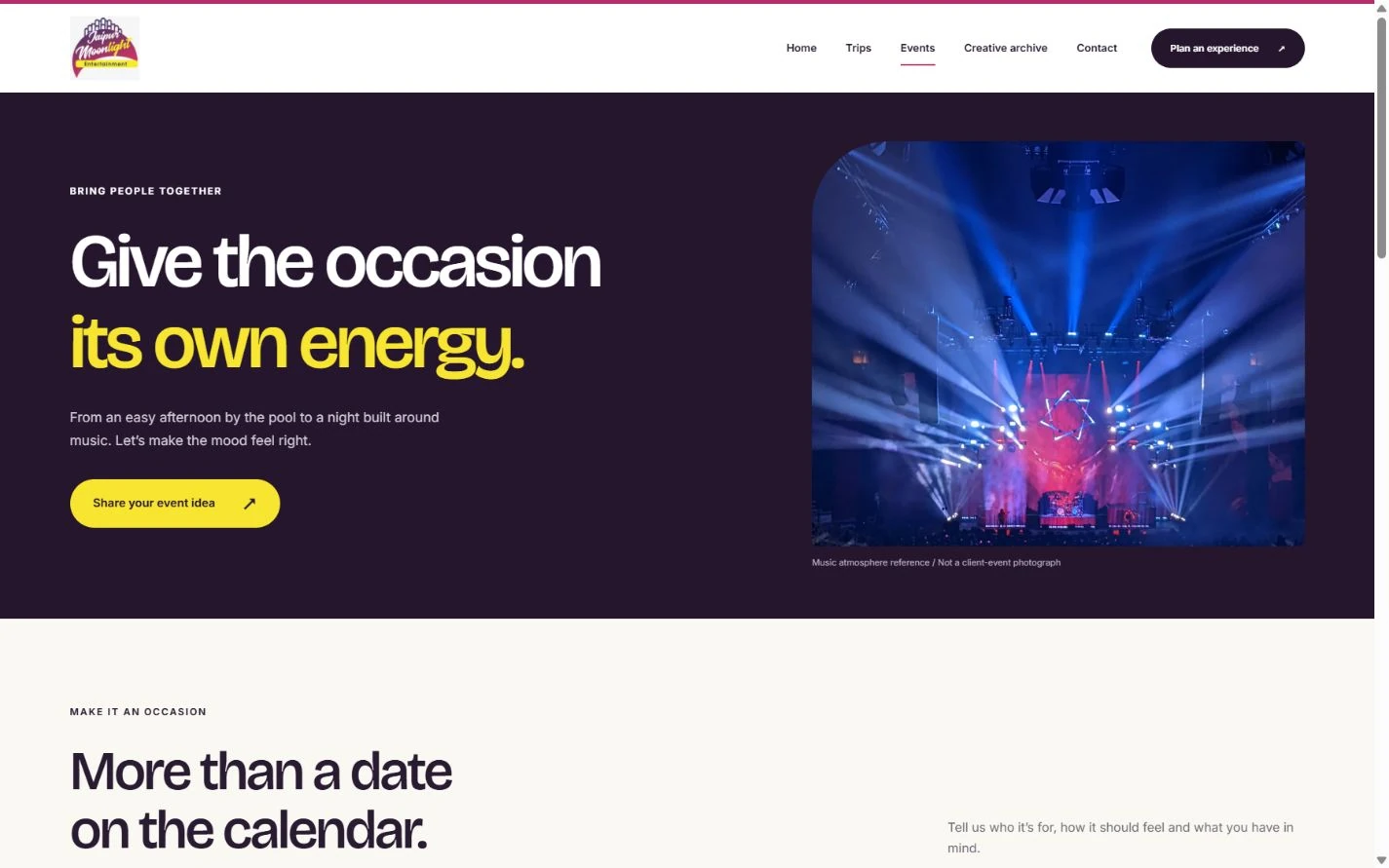
Place a relevant photo, project example or agreed detail near the offer. Use a caption when a photograph shows a past event or a design mockup so the visitor can place it in context.
Run a Mobile Test Before You Spend on Ads
- Open the exact ad destination on a phone and confirm the offer appears without searching the site.
- Try the main button and submit a test enquiry through the intended route. Confirm it arrives where your team expects.
- Check that each campaign link uses the agreed tracking names. If you use Google Analytics, campaign parameters can help identify where the visit came from.
- Agree how the team will count actual received enquiries and bookings. Keep these outcomes separate from link clicks and form starts.
Use the First Enquiries to Improve the Page
Log questions that keep coming up after launch. If several people ask what is included or where an event takes place, improve that part of the page first. If you change the offer, update the ad and the landing page together.
Further reading
- Google Ads landing page guidance: Review offer relevance and the mobile landing page experience.
- Google Analytics campaign URL guide: See how campaign parameters identify referring campaigns.
- Jaipur Moonlight campaign case study: See the event creative and website design screens.