
Websites
What should a small business website include to get enquiries?
Plan a small business website around clear services, project examples, mobile contact choices and a short enquiry form.
The quick answer
Explain what you do, who you help and where you work. Show a relevant project near the service, offer a clear contact choice and ask for only the details you need to respond. Test the full enquiry journey on a phone.
A visitor opens your site between two meetings. They want to know whether you can handle a job like theirs and how to get a quote. If they need to open several pages to find either answer, they may leave before making contact.
Map what the visitor needs to know from the first page they see to the point where your team can send a useful reply.
Answer the First Three Questions on Each Service Page
State what you do, who it is for and where you can deliver it. For a business with several services, explain the scope on each service page. A first visit may start on a search result for packaging or software, without any visit to the homepage.
Place a related project near the explanation. A caption can show what your team delivered, such as a carton layout with a separate specification panel. If you show a concept, describe it as a concept so visitors know what they are seeing.
Choose a Contact Route Your Team Can Answer
Give the main service page one prominent action. Keep a secondary choice nearby when it helps someone contact you in a way that suits their situation.
| Visitor situation | Contact choice | What to explain |
|---|---|---|
| Ready to discuss a time-sensitive job | Call | List the hours someone can answer. |
| Has a photo or reference to share | Say that the button opens a chat, and explain when your team replies. | |
| Needs to send a structured brief | Enquiry form | Say what the form asks for and what happens after submitting. |
Ask for Enough Detail to Send the First Reply
Start with a name, one reliable way to reply, the service and a short description of the job. If the deadline affects whether you can help, ask for a target date. Put a visible label on each field and show errors near the field so the person can correct them.
If your form prepares a WhatsApp message, explain that the visitor still needs to send it in WhatsApp. If the form submits directly, show a confirmation that says the request was received and when to expect a reply.
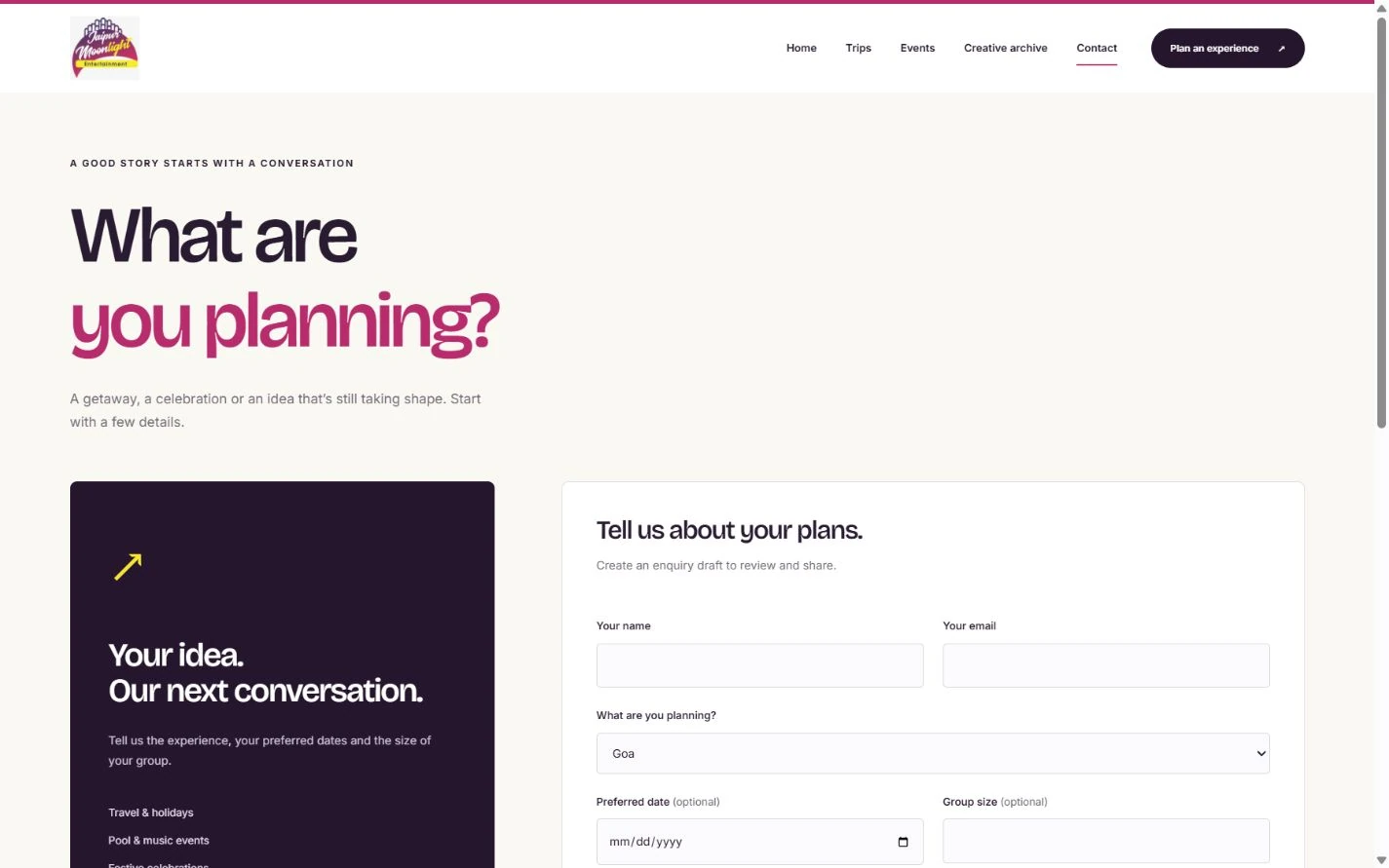
The Jaipur Moonlight contact screen shows how this can look. The visitor can select the type of plan and add a preferred date and group size. Those details help the team understand the request, and both fields are optional for visitors who are still deciding.
Test the Journey From Search to Reply
- Open the service page on a phone and find the enquiry button without using the main menu.
- Submit a test from an authorised device. Confirm the intended inbox or phone receives it and the team knows who should reply.
- Record calls, form submissions or chat handoffs as contact actions where measurable. Count received enquiries separately and track how many fit your services.
Further reading
- W3C guidance on form labels: Make field labels visible and associate them with the correct inputs.
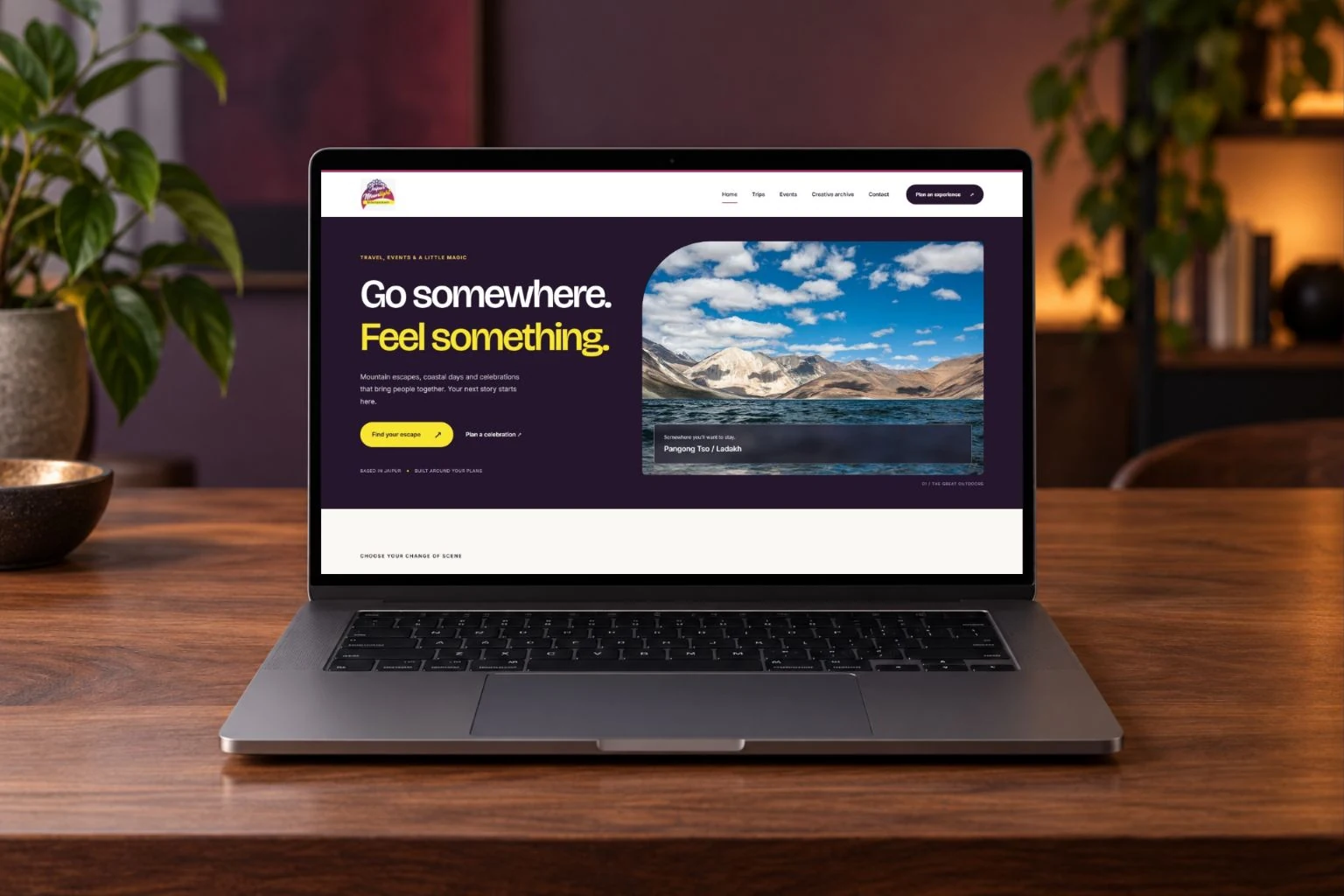
- Jaipur Moonlight website and campaigns: See the separate Home, Trips, Events and Contact screens from the design preview.