
Packaging
What should you check on a packaging proof before printing?
Review packaging artwork, product details, barcode placement, colour and finishes before approving a label or carton for print.
The quick answer
Check the exact artwork version, the product information on every variant, and the layout against the printer’s approved cut and fold template. Use an agreed proof to verify colour and finishes, then approve the named file in writing.
Your packaging looks ready in the designer’s PDF. Then someone spots that the 500 g pack carries the barcode from the 250 g version. A packaging proof is your chance to catch that kind of mistake before it goes into the full run.
Give the product owner, designer and printer a shared copy of the proof. Each person checks a different part of the job, and everyone needs to know which file was approved.
Check the Product Information on Every Variant
Compare the proof with your approved copy, one panel at a time. Check the product name, size, spelling and any declarations your product team has approved. For variants, keep a short table of the details that change and tick them off against each file.
Check that the barcode belongs to the product and size in the artwork. If the pack carries a QR code, test where it leads. Ask your printer what barcode verification is available on the actual material. A phone scan is a useful early check.

Check the Layout Against the Printer’s Template
The dieline is the flat template that shows where the packaging is cut and folded. Use the printer’s approved version to check panel orientation, trim, fold lines, glue areas and how far text sits from each edge. Ask the printer to confirm bleed, the extra artwork that extends past the cut edge.
Fold a plain sample around the product if the shape is new. Pay attention to the panel facing the shelf, any seam that could cross text and whether the label is easy to read once it wraps around the pack.
Choose a Proof That Can Answer Your Question
A screen preview is useful for comparing layouts and spotting some print issues. For an important colour or finish, ask which material, print process and finish the proof represents before deciding what to approve.
| What you need to check | What to request |
|---|---|
| Copy and layout | A versioned digital proof with all panels and variants. |
| Fit and panel orientation | A folded or wrapped sample at the agreed dimensions. |
| Colour, texture or special finish | An agreed physical proof, material sample or production sample. Ask how closely it represents the final run. |
Make the Final Approval Easy to Trace
- Match the variantCheck copy and product identifiers.
- Review the proofConfirm fit, colour and finish as agreed.
- Approve the fileRecord its filename and version date.
- List the approved filenames and version dates for every variant.
- Record whether you approved copy, dimensions, colour and finish, and attach the reference proof.
- Ask the printer to confirm the received files match the approved versions. Review a new proof if the artwork changes.
- Keep the approval and final files together so a reorder starts from the right artwork.
Further reading
- Adobe Acrobat Output Preview: See how a print production team can inspect a PDF for separations and overprinting.
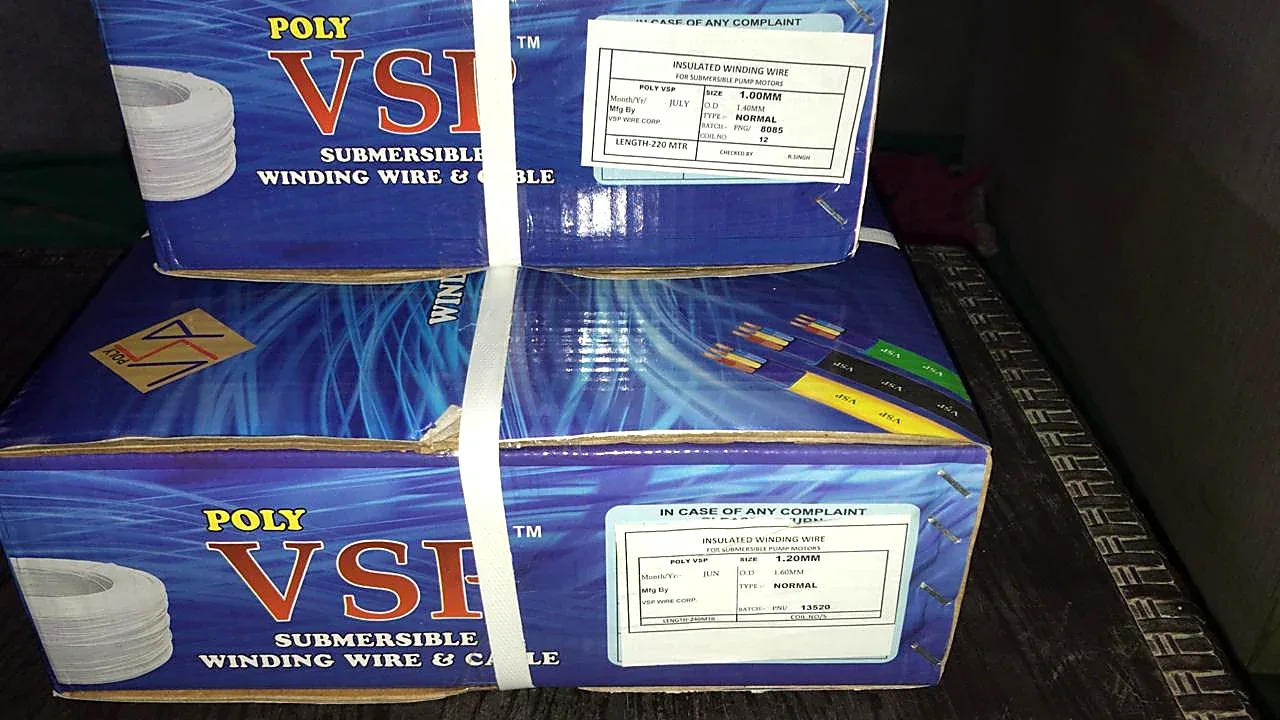
- Poly VSP packaging case study: See original carton photographs and the product information panels.